
Name-Based Case Searches
Minnesota Court Records Online, known as MCRO, is the public doorway for a Koochiching County docket search. Pick Person or Business in name mode. Type in whatever name parts you have. If the matter seems local, set the location selector to Koochiching. Two helpers exist: a Sounds Like option and a wildcard you can place after at least two characters. The catch is simple. You cannot combine the two in one search.
- Choose the Case Search tab and accept its terms.
- Select Person or Business, then enter the last name and any reliable first or middle name detail.
- Select Koochiching from the county list and use a case category, filed-date range, or status only when needed.
- Review the result carefully, then open Case Details and the Register of Actions for a matching public case.
A name match is not an identification. It is also not an outcome. Names vary in spelling and format across court records, and the official guidance says to read a result alongside the full case details rather than treat it as a summary of a person.
| Search field | Type | Required | Use in Koochiching search |
|---|---|---|---|
| Person or Business | Selection | Yes | Sets the name-search mode. |
| Last, First, Middle | Text | Minimum name information | Use the known spelling; Sounds Like is an optional alternative. |
| Koochiching location | County selection | No | Narrows the statewide system to local District Court results. |
| Date filed or category | Filters | No | Use only after a broad result needs narrowing. |
Koochiching County Docket Search Name Tools
Sounds Like catches likely spelling variations. An asterisk wildcard works after at least two characters. The two cannot team up in one query. Person and Business are separate modes in MCRO, so pick the one that matches your court information before you layer on a county or date filter.
Koochiching County Docket Search Name Limits
Names are a weak way to pull a Koochiching County court docket out of the system. The official MCRO name-search tips spell out why. A criminal, traffic, or petty-misdemeanor case that is still open and has no conviction may not come back under a defendant name. Yet the same docket appears the moment you type its case number. So an empty result is not proof that no court record exists.
When a name search fails, work the problem from other angles. Try a full case number or citation number. Check the spelling. Or sit down at the public terminal inside the courthouse. Court Administration can help with local access questions and with older paper files, but a clerk cannot conjure a docket out of a partial name when the system demands a complete identifier.
Case Number Searches
A complete local number is the strongest handle for Koochiching County docket searches. Local calendars show patterns like 36-CR-YY-###, 36-CV-YY-###, and 36-VB-YY-###. Treat the 36, the case-type letters, the year, and the sequence as navigation clues seen on local calendars. They are not a published county code manual.
That search mode in MCRO wants the whole case or citation identifier. Dashes and leading zeroes are fine. Spaces are not. An incomplete number triggers an error. So copy the digits straight from a court notice, citation, calendar, or other official paperwork instead of guessing.
Koochiching County Docket Search Case Numbers
A prefix is a locator. It is not a case result. A 36-CR number points toward a criminal court case, 36-CV toward civil, and 36-VB toward a violation-bureau matter. For the true type, status, and court activity, open the full record in MCRO Case Details.
Koochiching County Docket Search Modes
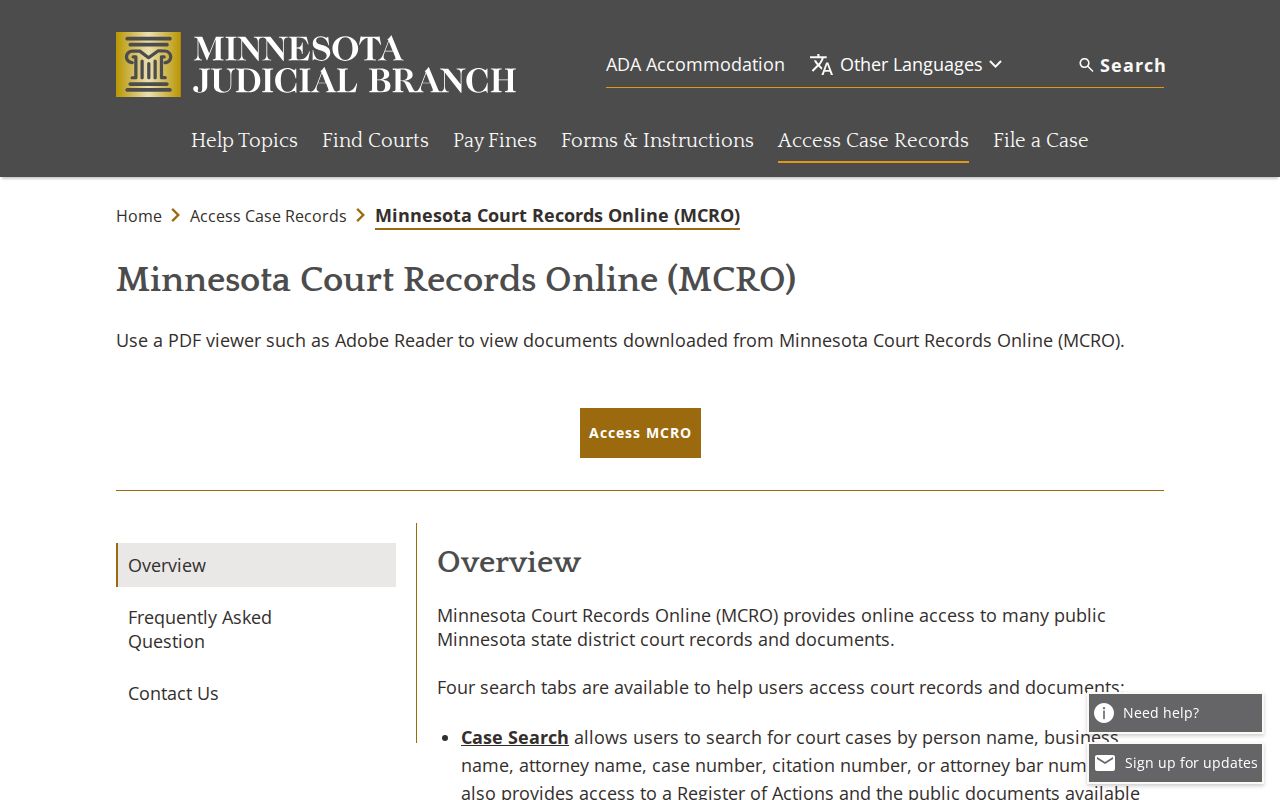
MCRO splits its public search tasks into separate modes. Case Search is where a public case file starts. Document Search needs a case number and hunts for public documents. Hearing Search lists scheduled settings. Judgment Search covers only monetary judgment information and never replaces the full Register of Actions.
The Minnesota Judicial Branch MCRO overview describes remote access as free for many records but unofficial. Need a certified copy? That request goes to Koochiching Court Administration, not a download button.
The online system is a strong first layer of access. For a Koochiching County court record, it is simply not the only channel.
Case Search Results Explained
Once a public case turns up, open Case Details. Read the actual categories there instead of trusting a single search row. MCRO groups case information with the Register of Actions. Where remote access is allowed, it may show hearings, events, dispositions, financial information, judgments, and public documents. One caution. A hearing date is a scheduled event, not a disposition.
| Case information | Case number, type, filing date, location or venue, and case status. |
|---|---|
| Register of Actions | The chronological list of filings, hearings, documents, dispositions, and related events. |
| Hearings and events | Scheduled or recorded court activity. The event history can be more informative than a result title. |
| Dispositions and judgments | Recorded outcomes or monetary-judgment information when applicable. They should be read in context. |
| Documents | Only public materials available within the remote-access rules and document date scope. |
Criminal matters can carry multiple counts or amended history on a single charge. In civil cases, a filing or a hearing settles nothing about liability or the final outcome.
Koochiching County Docket Search and the Register of Actions
The Register of Actions is MCRO's chronological view of a case's court history. This is where a Koochiching County docket search becomes more than a list of names. Entries can point to filings, hearing activity, public documents, dispositions, financial entries, and later developments. Not every event carries a downloadable public document.
MCRO replaced the old MPA Remote system. Case, document, hearing, and judgment functions rolled out in phases during 2021 and 2022. Access today is hybrid: the online system plus a courthouse terminal plus local Court Administration.
Koochiching County Docket Search Certification Limits
MCRO results and public downloads are unofficial. For a certified court document, a staff-created report, or an older paper record, keep the case number handy and ask Koochiching Court Administration directly. The online search finds the file. It cannot issue the court's certification.
Two Ways to Search: County and State
Koochiching runs no separate public county case portal. Its public cases sit inside MCRO's statewide Minnesota District Court system. Pick Koochiching as the location when you want results focused on the county.
| Statewide MCRO search | Koochiching-selected MCRO search |
|---|---|
| Searches public records across participating Minnesota court locations. | Uses the same system while limiting the location to Koochiching County. |
| Useful when the court location is not known. | Useful when a local case, citation, or hearing is expected. |
| Can use name, complete case number, citation number, or attorney mode. | Retains those modes and localizes the result set. |
| Remote results remain subject to the same public-access limits. | A courthouse terminal or Court Administration can be needed for a missing public record. |
Koochiching County Docket Search Inputs
Start a Koochiching County docket search with the narrowest input that actually works. A full case number beats a name every time on MCRO. The system matches the complete identifier straight to the case. A citation number works the same way. An attorney lookup takes a name or bar number. A name search lets you narrow things with date-of-birth or filed-date filters when you trust the details you have.
The tabs are not interchangeable. Pick the right one before you conclude a record is missing. Case Search, Document Search, Hearing Search, and Judgment Search each use different fields. Document Search needs a case number, period. Hearing Search adds a date or date range. It can also filter by judicial officer or attorney. Judgment Search covers monetary judgments, with controls for debtor, docketed date, status, and location. Choosing the wrong tab makes available records look absent.
After a hit, save the whole case number. It unlocks the courthouse terminal, a Court Administration question, or a copy request later. It is the one key shared by every route into Koochiching County court records.
Koochiching County Docket Search Beyond MCRO
For deeper results, go to the courthouse. The public-access terminal there offers statewide index and Register of Actions access at a higher level of completeness than remote MCRO. It may show categories the remote tool excludes. All of it stays subject to Minnesota public-access rules. Koochiching Court Administration sits at 715 4th Street in International Falls. The office can help with local paper records, copy requests, and certified copies. It answers (218) 283-1160 and keeps Monday through Friday hours, 8:00 a.m. to 4:30 p.m. When an online result seems thin, the case is older, or a particular document never made it online, the terminal or the counter is the better route into the Koochiching County court docket.
Which Cases Stay Restricted
Minnesota Rule of Public Access 8 sets real limits on a remote docket search. Some things stay hidden there. Protected identifiers are one example. Whole categories of cases are another. Civil commitment, domestic abuse, harassment, and CHIPS matters get no remote documents. The same goes for felony juvenile delinquency where the person was age 16 or older. Family case access is narrower than what the ordinary civil and criminal docket allows.
Rule 4 is the rule that governs confidential, sealed, restricted, and nonpublic judicial records. A courthouse terminal often shows more than the remote version of MCRO does. That does not erase the classifications. Anyone who wants a sealed or confidential record must go through the proper access process. Court approval may be required.
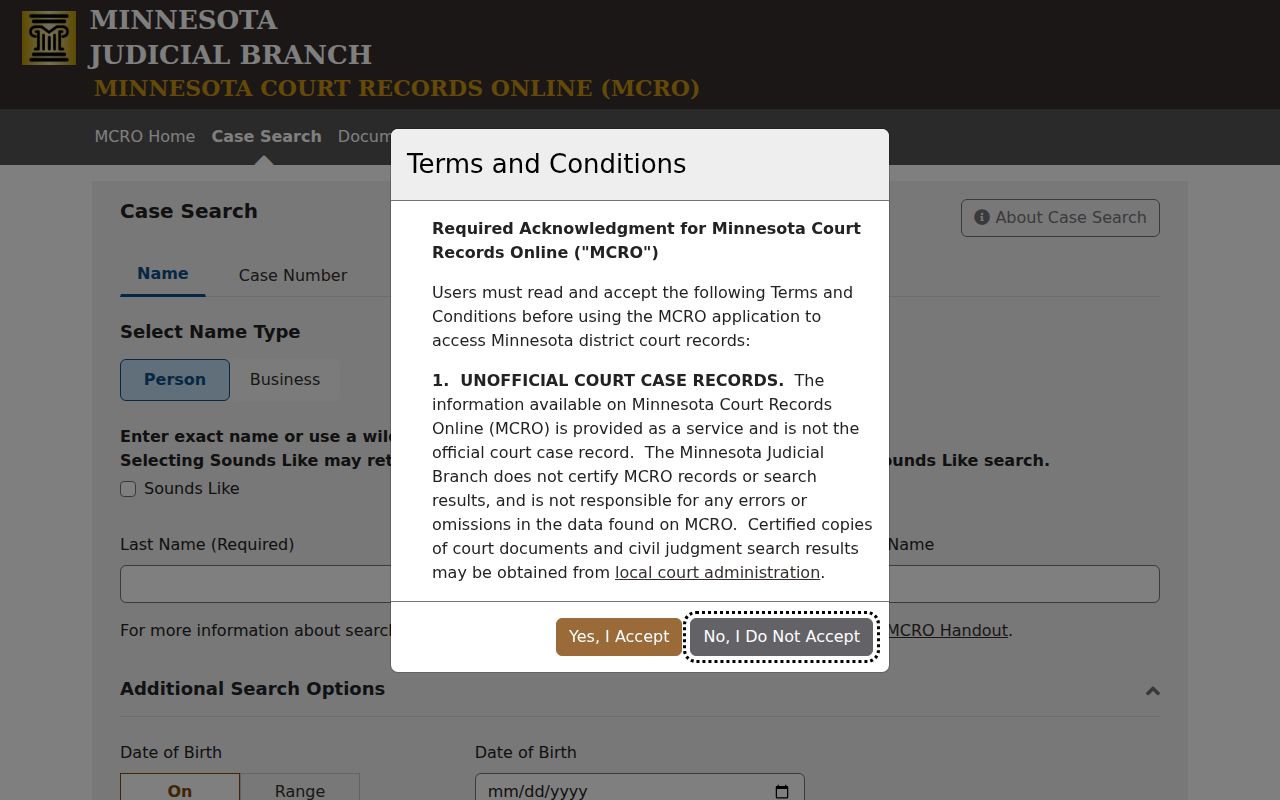
The MCRO Case Search page is the statewide entry point for a public case lookup. It displays each docket with its case header and party names. It still cannot override an access classification.
MCRO is a public court-information tool with boundaries drawn by court rules. It is not a certification service, and it cannot fully replace Court Administration.